HP OmniBook 3 (14-inch) review: The student laptop with long battery life
I have noticed several companies dedicating an entire laptop segment to school- and college-going students. I noticed a similar pattern during the pandemic, when brands aggressively targeted the tablet market toward students.
However, this time, it feels a little different. With the rising cost of education in general and laptop prices soaring amid the global memory crisis, parents are finding it increasingly difficult to manage these expenses.
Honestly, seeing a market for student-focused laptops is refreshing, and as a tech journalist, I fully support it. It’s great to see brands recognising the need for more reliable machines for everyday tasks. Take the Apple MacBook Neo and Dell XPS 13, for that matter. These laptops are not subpar either; they still offer a premium design and experience, and their pricing reflects that.
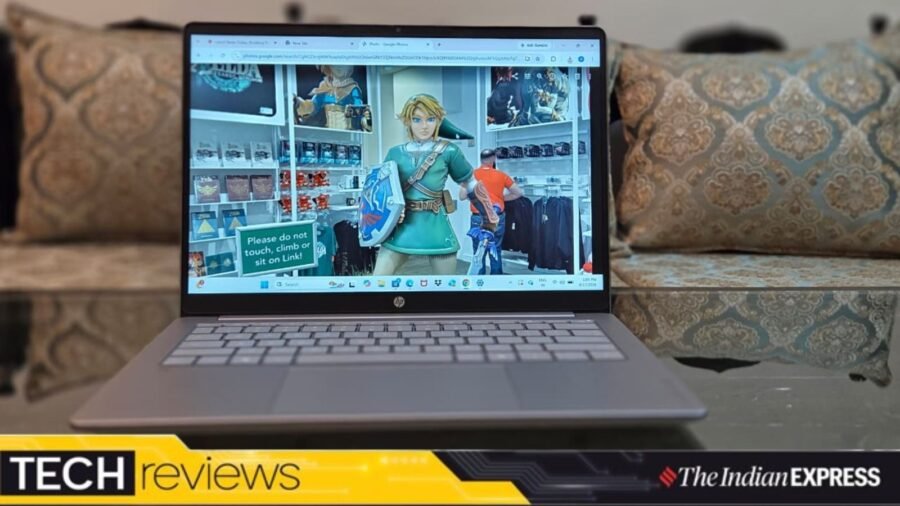
Joining the list is the HP OmniBook 3, a 14-inch notebook that runs a full version of Windows 11, offers marathon battery life, and delivers surprisingly good performance thanks to the Qualcomm Snapdragon X. It also comes with twice the RAM and storage as its competitors.
I spent a few days with the OmniBook 3, and here’s what I think.
What: HP OmniBook 3 14| Price: Rs 79,990
Simple, understated looks
The OmniBook 3 has a familiar design, and its looks are, well, plain. I wouldn’t call it boring, but I have seen laptops like this countless times. It’s made of plastic and has a silver metallic sheen. I wish HP had done something different with the OmniBook 3, perhaps making it more colourful and using a metal chassis. That would have given the laptop its own personality.
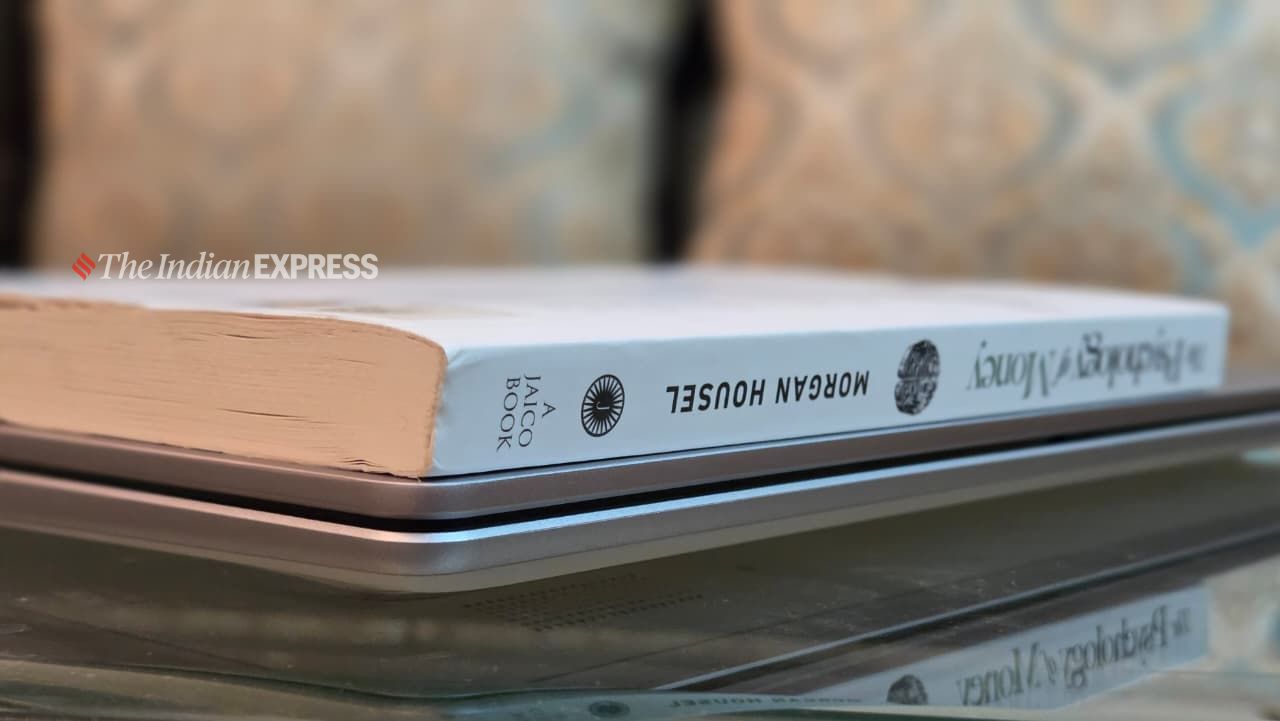 Since the chassis is a bit thicker, HP has managed to add a decent number of ports.
The notebook is fairly chunky and feels somewhat heavy. When I tucked the OmniBook 3 into my tote bag, I could definitely feel the weight. A lightweight design would have made more sense, especially since the laptop targets students. However, after days of use, I found the OmniBook 3 quite sturdy. The laptop lid opens with one finger, and the hinge feels tight and well-built.
Story continues below this ad
Since the chassis is a bit thicker, HP has managed to add a decent number of ports. On the left side, you will find an HDMI port, a USB-A 2.0 port, and two USB-C 3.0 ports. The right side includes an additional USB-A 2.0 port and a headphone jack. The USB-A ports are way too slow, capable of only 480Mbps, making them better suited for connecting peripherals.
Average display, but a great keyboard and touchpad
I found the OmniBook 3’s display to be nothing exceptional. It’s limited to a 1920 x 1200 resolution, with brightness capped at 300 nits. I wasn’t expecting an OLED display at this price, although HP could have added a slightly higher-resolution display with better brightness. The 2K IPS display is good enough for everyday tasks such as working on presentations, reading books, browsing the web, and casually watching movies.
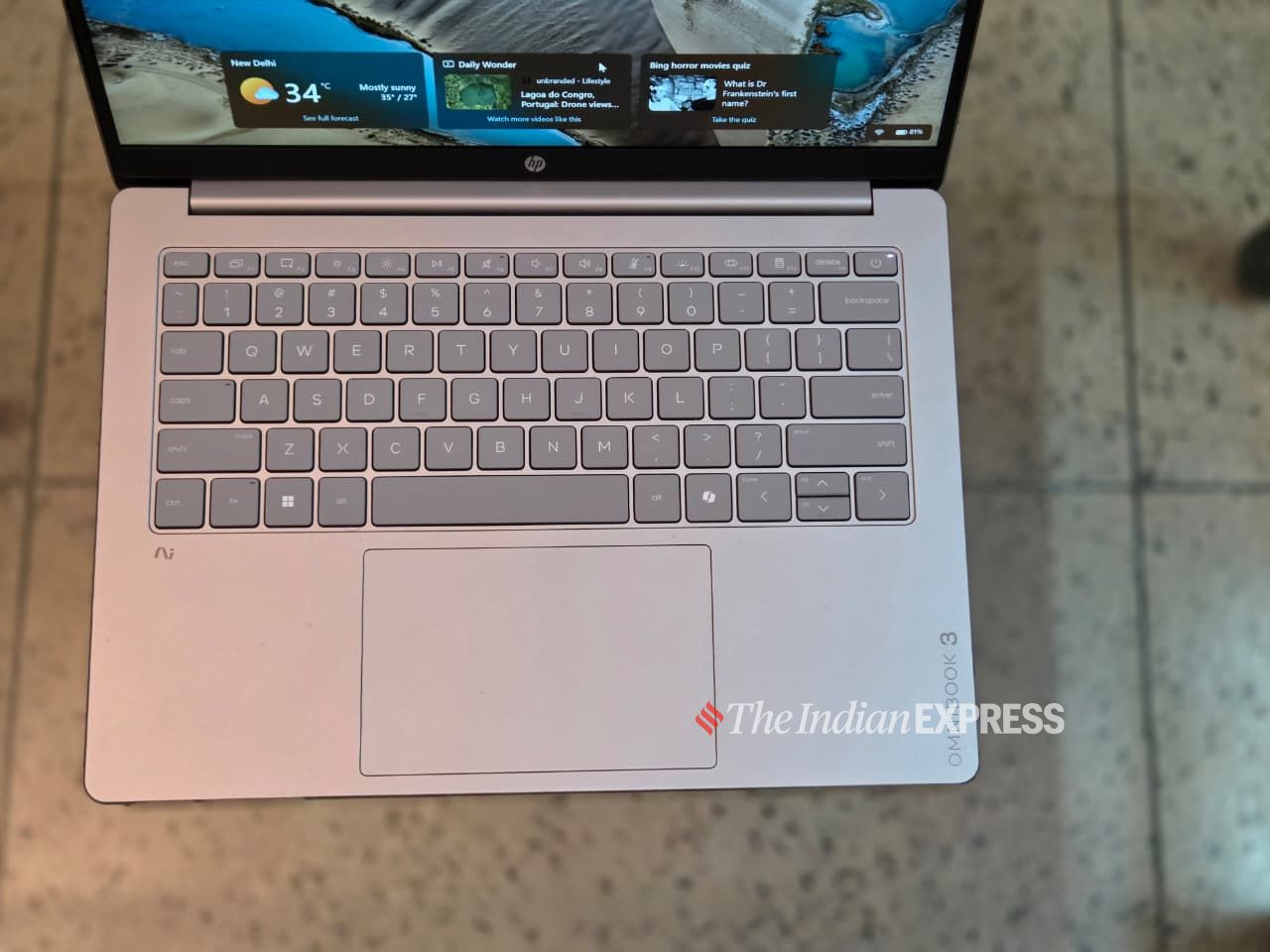 The keyboard is perfect for typing, especially during the long sessions.
The built-in speakers are okay but good enough for general, day-to-day listening and aren’t likely to disappoint. Clearly, they have limitations. However, for casual listening, they are honestly fine.
The OmniBook 3’s keyboard did impress me. The keyboard is perfect for typing, especially during the long sessions that real people like you and me go through. It’s precise and clicky, and even after an hour of typing, my fingers never felt tired. The touchpad is big enough, responsive, and doesn’t feel cheap.
Story continues below this ad
The webcam is better than I expected. It works fine in normal room lighting but struggles in low-light conditions. This is typical of a laptop webcam.
Shockingly great performance and all charged up
The OmniBook 3 made a mark on me with its performance, bringing it closer to Apple’s M-series chips, which power the company’s Mac computers. Although the Qualcomm Snapdragon X isn’t the latest processor, seeing it inside a notebook at this price point is indeed impressive. I have often criticised Windows laptops for either being slow with basic tasks or struggling with poor battery life. The Snapdragon X addresses some of the flaws that Windows laptops have traditionally struggled with.
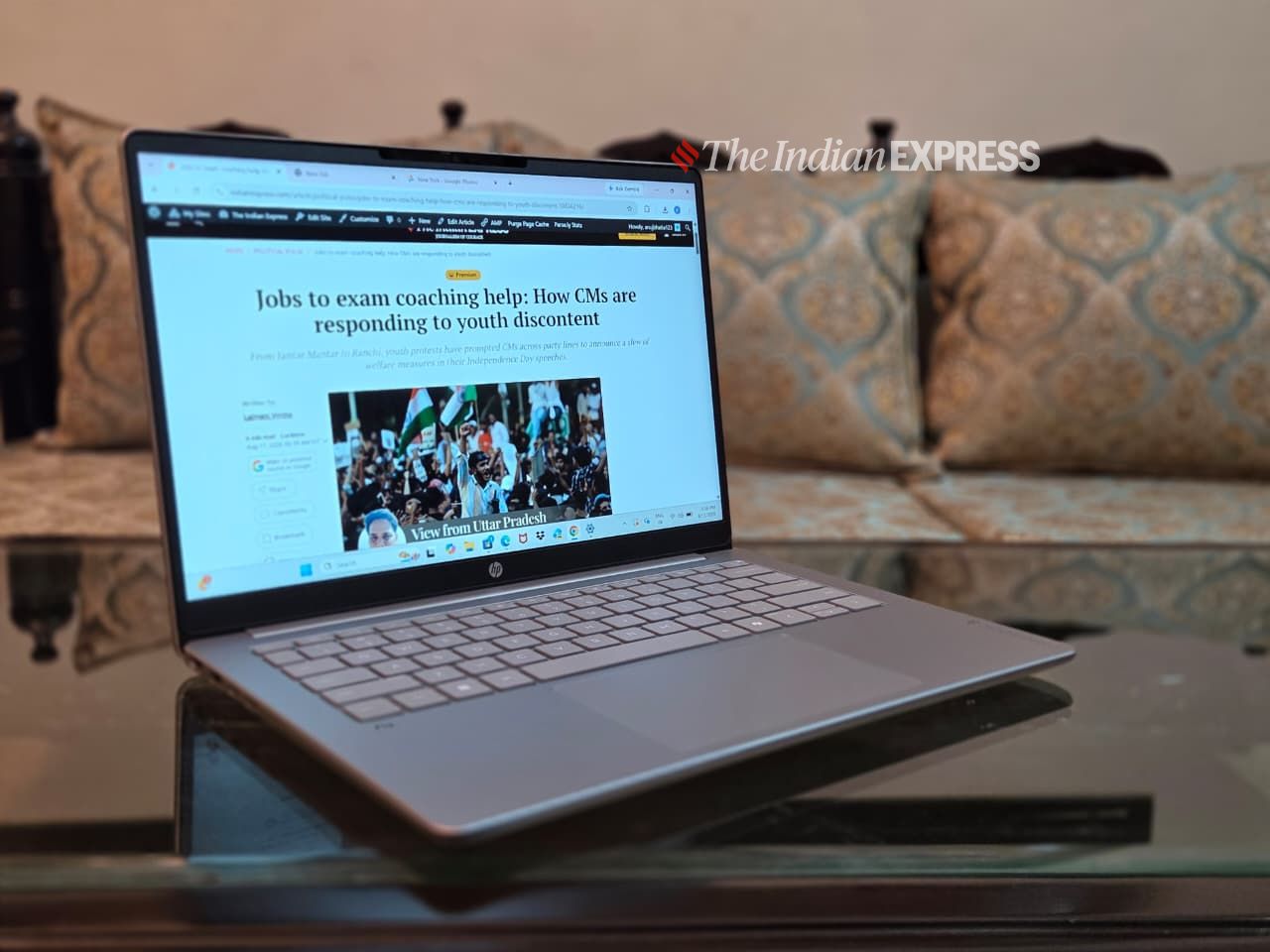 The battery lasted about 16 to 17 hours on average, which is great.
The ongoing memory crisis has forced PC companies to cut down on RAM. Not so with the OmniBook 3. The model I have comes with 16GB of RAM and 512GB of storage. In comparison, both the Apple MacBook Neo and Dell XPS 13 ship with 8GB of RAM. A few hours in, I noticed the OmniBook 3 felt faster under heavier workloads. It also handled multitasking better, and an average user would likely struggle to push the notebook to its limits.
For days, the OmniBook 3 was central to my workflow. It’s well-equipped and every bit as capable as I had hoped. It handled everything I threw at it, from photo and video editing and prototyping a podcast setup to testing AI software and managing my day-to-day workflow. The base spec is powerful enough for most people.
Story continues below this ad
The battery life is just astonishing! It lasted about 16 to 17 hours on average, which is great. I don’t think a student would use a notebook for that long in a day. The supplied charger is about the size of a smartphone charger, making it easy to carry around.
Wrapping up
The HP OmniBook 3 has its share of flaws, but I can’t overlook its strengths, including its long battery life and trouble-free performance. I have said a few times recently that there is no such thing as a perfect laptop, and I stand by it.
With this year’s OmniBook 3, HP is close to creating a notebook that offers genuine bargain energy at a time when computers have become out of reach for many, especially students.
That said, the OmniBook 3 isn’t the only premium-priced notebook aimed at students. Apple and Dell also offer other options, and each has its own pros and cons. My advice remains the same: just buy the laptop that offers the best value. Thankfully, the 16 GB memory starting point makes choosing a notebook a lot simpler, and the HP OmniBook 3 checks that box.

What is a kill switch, and why is it hard to build one for AI systems?
By Sohail Khan · 20 Sep
A smartwatch should fit your routine, not interrupt it. These five models go the extra mile
By Sohail Khan · 20 Sep
Nike Alphafly 4: 5 things (including the science) behind new marathon shoes
By Sohail Khan · 20 Sep